
aq9 support
aq9 FAQ: Account, Games, Mobile and BDT support
Please select which category the question belongs to—Account, Games, Mobile or Payments. Each answer provides how to identify the current status, what to do first, and which guide has the next steps.
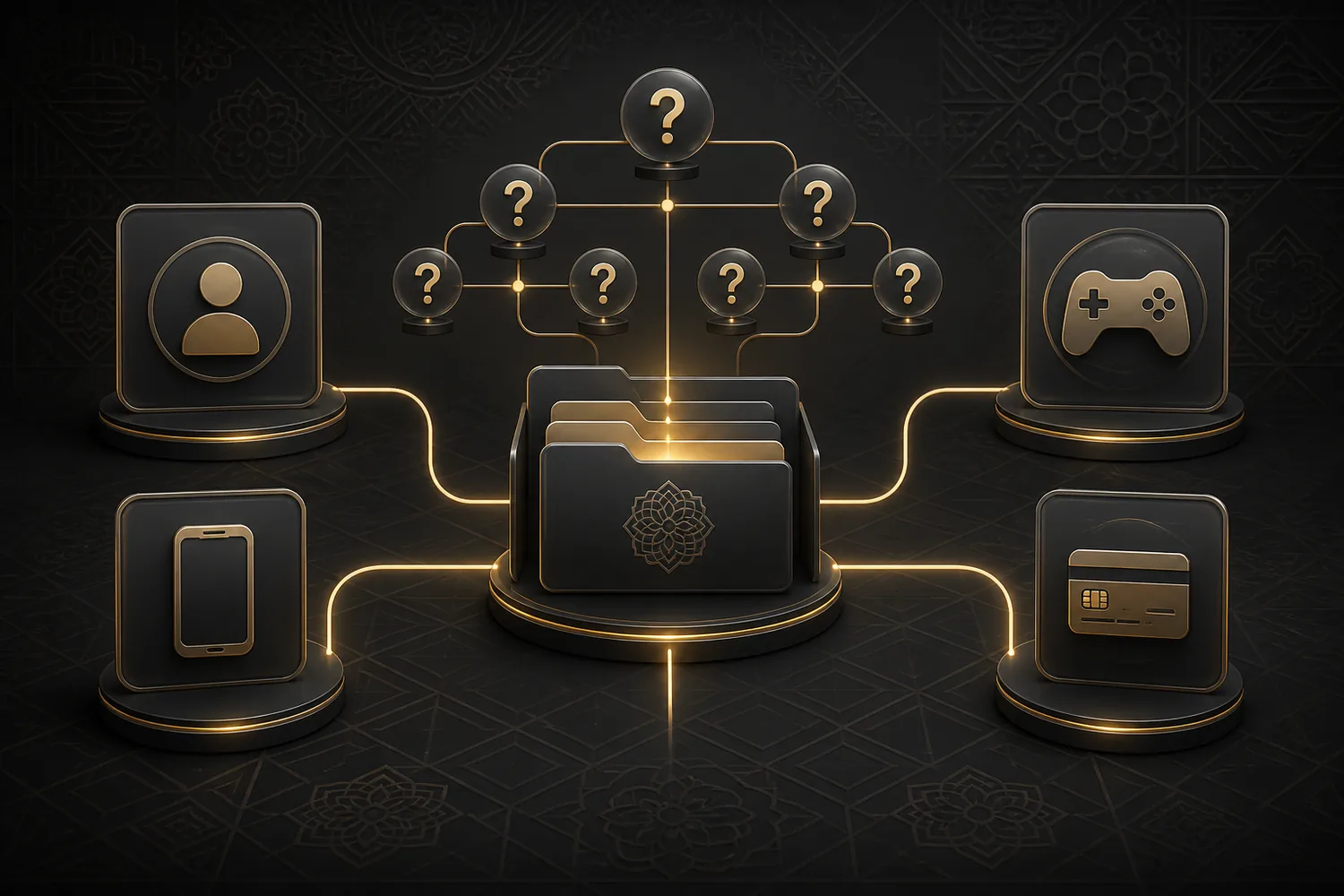
Select Section
First, match the type of problem
If it's Number, Password, OTP or form then open Account; if it's category or rule then open Games; if it's Browser, APK or iPhone then open Mobile; if it's balance, pending, Deposit or Withdrawal then open Payments. Each answer contains signs to identify the current status, the first safe step, and a path to a detailed guide.
Instead of submitting the same error repeatedly, write down the exact message, affected field, transaction reference or device state. For variable options—payment method, fee, App path, event or processing time—verify from the current account page, not an old screenshot. If in doubt, stop the action and open the relevant guide.
Account
Register, Login and OTP
What information should I prepare for the Register form?
Check Full name, +880 mobile, date of birth, BDT option and Password field. Match which field is required with the current form. Register guide Follow.
What if Mobile number is invalid?
Check for +880 duplicate, space or missing digit. Write the number according to the field example and resubmit only the relevant field.
What if Password is incorrect?
Try once by matching the keyboard and saved value. If there's an error, stop repeated guessing. Forgot Password step Here you go.
What if OTP doesn't arrive?
Check masked number, network, SMS inbox and blocked messages. Use Resend after a pause; details OTP issues See.
Games
Sports, Racing and Games
What is the difference between Sports and Racing?
In Sports, the match context of Cricket/Football is primary, while in Racing, the race sequence and rapid status change are key. For the current event Games guide See.
What should I look for when selecting Slots?
After the Theme, check reel, feature, round rule and control. Don't decide just by looking at the card image; open the details.
How are Blackjack, Nine and Fisher different?
Blackjack card decision, Nine rapid round, Fisher target-based arcade flow. For comparison Selection table See.
Is the Jackpot amount or result permanent?
No. Pool, eligibility and current rules can change. Prioritize the current display of the account.
Mobile
Browser, Android and iPhone
Where should I start on Mobile?
Start with Browser without installation. Open game, account or payment tasks on separate pages.
What if the Android APK path is not shown?
Do not look for external links. Use the Browser and check if the option appears later on the current account page.
What if the PWA option doesn't appear on iPhone?
Check Safari and page address. Even if Add to Home Screen is not available, the Browser path can be used; iPhone guide See.
What if the Mobile page is slow or incomplete?
Check network, open tabs, cache and storage. If text does not load after the image, do not take action. Problem table Follow.
Payments
BDT Deposit, Withdrawal and status
Which BDT methods are visible?
The names bKash, Nagad and Rocket appear on multiple public pages related to aq9. Assume that what is in your account's current list is usable.
What if it doesn't appear in Deposit balance?
Match balance refresh, receipt and transaction reference. Wait for the current status without making the same payment again.
What if the transaction is pending?
Pending means the final status has not yet been determined. Save the method, amount, and reference; do not assume a fixed processing time.
What should I look for in withdrawal questions?
View account name, currently listed method, amount, status, and reference together. Fee or time may change according to current display.
Variable information
If you change amount, time, and option
Payment method, fee, limit, App path, event, pool, and processing time are variable. Old screenshots or information from another domain are not permanent rules. Make decisions in line with the options and status shown on the current account page.
Responsible usage
Only use gaming as entertainment for users aged 18+. Set time and budget limits, take breaks if necessary, and use the control options shown on the account.