
Prepare new account
aq9 Register: form, OTP and next steps
This guide explains the common fields of the aq9 Register form, +880 number, BDT selection, password and OTP preparation. Gather the necessary information and then proceed to your used aq9 account page.
Preparation
Before starting register
Keep your full name, active +880 mobile number, date of birth, email if necessary, and a separate password ready. If there is a currency field, check if the BDT option for Bangladesh account is available in the current form.
Using someone else's number or incomplete profile data may cause issues with OTP and account recovery. Fill in the required marked fields in the form first; there is no need to guess optional fields.
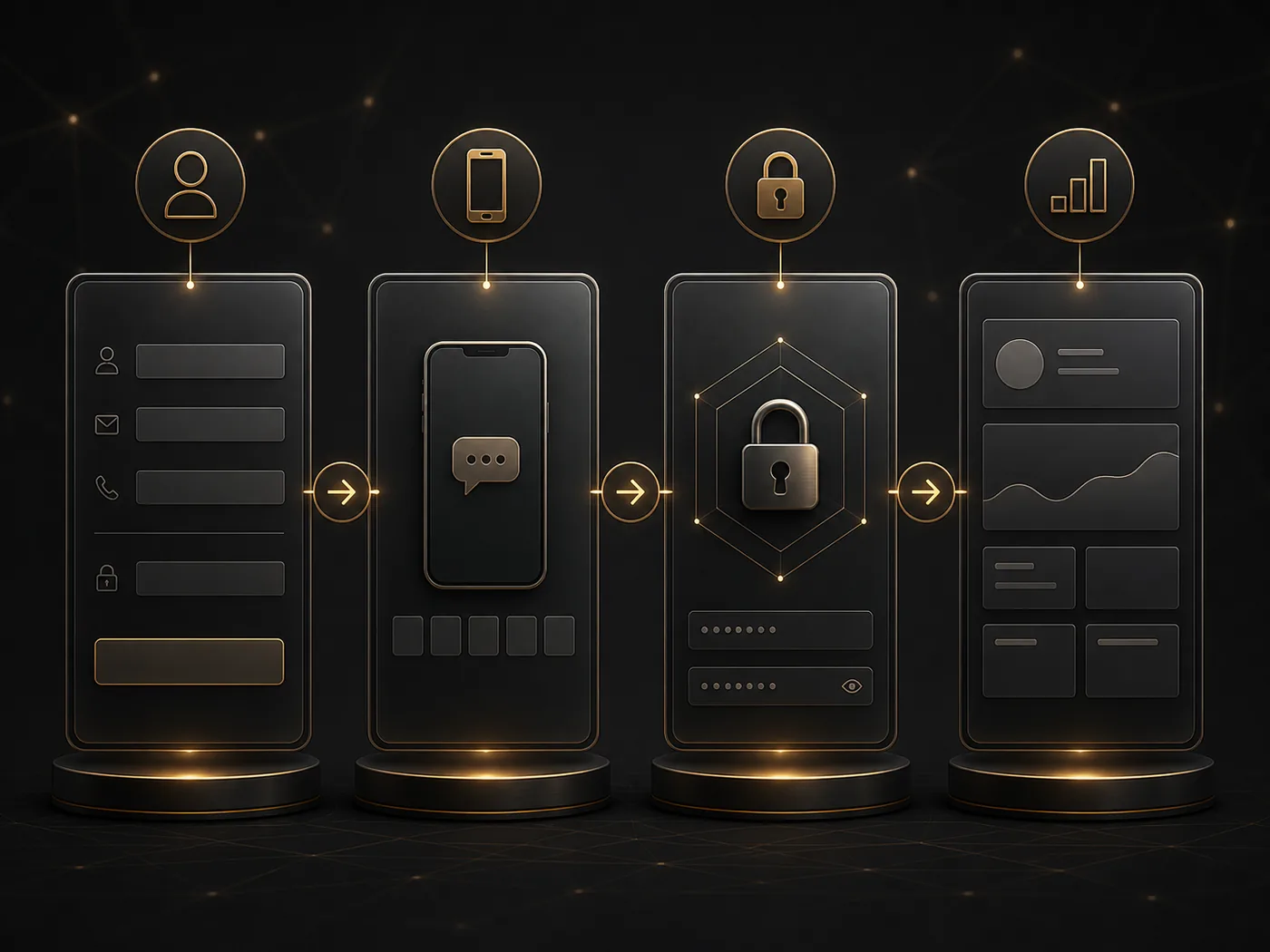
Form field
Common fields of aq9 Register form
| Field | What to write | What to match |
|---|---|---|
| Full Name | Your correct name | Extra space or incomplete part |
| Mobile Number | Active +880 number | Check if the prefix is already placed |
| Usable address if required | Spelling and access | |
| Date of Birth | Adult user's own information | Date format |
| Currency | Select if BDT is available in the current form | Can it be changed after submit |
| Password | Separate password | Same as confirm password |
| Referral Code | Known code if optional | Can it be left blank if not available |
Format error
What to see if field is not accepted
| Problem | Check | Correction |
|---|---|---|
| Mobile invalid | +880 duplicate, space or digit | Write number according to field example |
| Email invalid | @, spelling and space | Provide valid address if required |
| Date rejected | Day/month/year order | Use the date selector of the form |
| Password mismatch | Are both fields the same | Rewrite both |
| Required field | Empty or unchecked option | Only fill in the marked required fields |
OTP
Step of mobile verification
After submitting register, use the same number provided in the form when OTP arrives. If the masked number shows incorrect, go back and correct the mobile field before requesting the code. When you receive the code, enter only the latest OTP in the designated field.
If OTP does not arrive, check network signal, SMS inbox, and blocked messages. Use the resend option after a break if available. If the code expired, do not repeatedly write the old code, take a new one.
Password
Password and confirm field
Write a separate password according to the rules of the current form and give the same value in the confirm field. Check keyboard language, uppercase-lowercase letters, and accidental spaces. Do not share your password with anyone.
Submit check
Five checks before submitting the form
Name and date of birth
Check if your information and the form's date format match.
+880 mobile number
Ensure there are no prefix duplicates or missing digits.
BDT currency
Check if the necessary option is selected in the current form.
Password pair
Check if the Password and Confirm Password are the same and meet the rules.
Optional field
If the Referral Code is optional, do not guess if you do not know.
Next step
Once registration is complete
When showing confirmation or account summary, double-check the mobile number and currency. To understand product category Games guide, Choose device path Mobile guide And return to the account next time Login instructions Use.
If there is an error after Submit, do not resend the same form repeatedly. Only correct the marked field.
Register FAQ
Form and OTP questions
What should I write if +880 is already there?
Write the local number according to the field example; do not provide the country code twice.
What if the BDT option is not visible?
Reopen the current currency list without submitting; do not create an option based on information from another page.
What if OTP doesn't arrive?
Use Resend after pausing by checking the number, network, and SMS inbox.
Where to go after completing registration?
To understand the product, see the Mobile guide for Games and device, and the Login guide for returning.